







A missed photo, an undocumented safety concern, or a vague technician note can turn a repair-order conversation into an avoidable margin leak. For shops evaluating how to implement digital inspections, the real objective is not replacing paper with tablets. It is building a repeatable process that improves repair documentation, supports customer authorization, gives advisors a clearer selling tool, and creates operational data management can use.
Digital vehicle inspections can produce material gains in approved work, customer trust, and quality control. They can also create bottlenecks when templates are too long, images are inconsistent, or service advisors receive incomplete findings during the morning rush. The difference is usually implementation discipline, not the software brand.
Start With the Operating Problem
Before selecting a platform or loading an inspection form, define the business issue the process must address. A mechanical repair facility may be focused on increasing maintenance authorization and reducing declined safety work. A collision center may need better pre-repair documentation, supplement support, blueprinting consistency, or evidence that an operation was required. A dealer group may want a common process across rooftops and a clearer view of technician productivity.
Those use cases require different inspection designs. A 65-point courtesy inspection may fit a high-volume general repair operation, while a collision workflow may need photo documentation tied to disassembly, structural measurements, calibration requirements, and parts-condition findings. Trying to force every department into the same template often produces low completion rates and poor-quality data.
Set a narrow initial objective. For example, management might target more complete MPI documentation on declined work, a reduction in repair-order rework, or faster advisor-to-customer approval cycles. That objective should determine which fields are mandatory, who owns each handoff, and which metrics matter.
Map the Repair Order Before Going Digital
Digital inspections fail when they are treated as an isolated technician task. The inspection begins with vehicle intake and ends only after recommendations, approvals, declined items, and repair documentation are correctly attached to the repair order.
Map the current process from appointment scheduling through final invoice. Identify where the vehicle is received, when the technician conducts the inspection, how findings reach the advisor, who contacts the customer, and where approved work is transferred into the estimate or repair order. Include edge cases: walk-in customers, fleet accounts, waiting appointments, insurer-directed repairs, and vehicles awaiting parts.
This exercise typically exposes friction that software alone cannot resolve. If technicians complete inspections after the advisor has already quoted the customer, a better form will not improve authorization rates. If advisors must re-enter every recommendation into the shop management system, the operation has created an administrative tax that will eventually undermine adoption.
For collision operations, map the inspection alongside the damage-analysis and blueprinting process. The team should be clear about what is documented at intake, what is discovered after teardown, and what needs to be communicated to the insurer, vehicle owner, or repair planner. Digital inspection records can support a disciplined file, but they do not replace a defensible estimate, OEM repair procedures, or required diagnostic documentation.
Choose Technology Around Workflow, Not Features
Most digital inspection platforms offer photos, video, condition ratings, canned recommendations, customer messaging, and reporting. Those capabilities are useful, but their value depends on integration and usability in the bay.
Assess whether the system connects to the shop management system, dealership DMS, estimating platform, CRM, payment process, or customer communication tools already in use. A standalone application may be appropriate for a smaller independent shop if it is fast and reliable. For a multi-shop operator, duplicate customer records and manual repair-order matching can quickly become a governance issue.
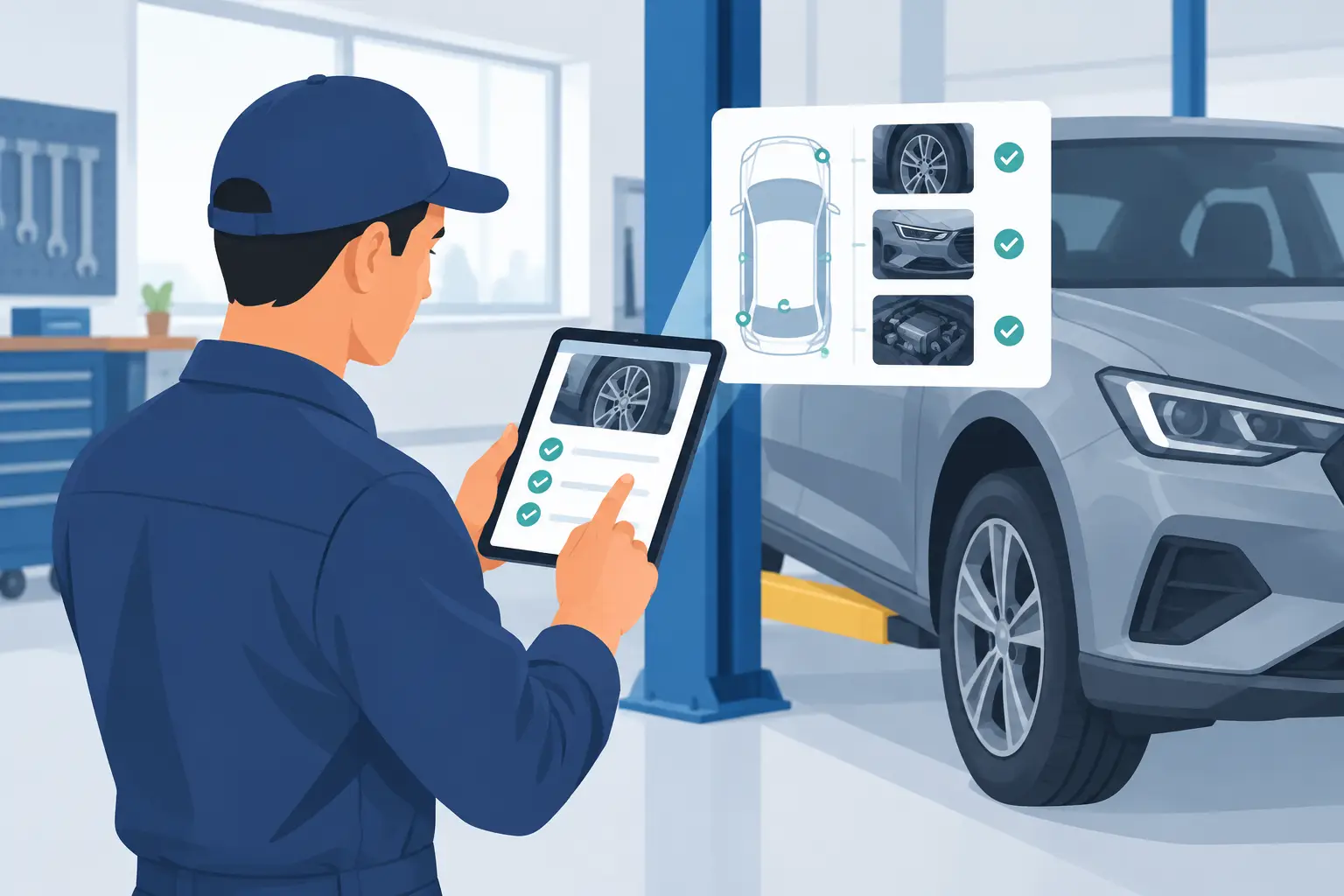
Technician experience deserves the same scrutiny as integration. Test the platform in a live bay with gloves on, variable lighting, intermittent Wi-Fi, and a vehicle that has a legitimate list of findings. Can the technician capture a usable photo in a few taps? Can they dictate or quickly select a clear recommendation? Can the advisor understand the result without tracking down the technician?
The best platform is not necessarily the one with the longest feature list. It is the one that produces consistent evidence, fits the shop’s existing cadence, and gives management data it can trust.
Build Inspection Templates That Drive Decisions
A digital template should guide judgment, not turn skilled technicians into data-entry clerks. Begin with the services and conditions that are relevant to the facility’s vehicle mix, maintenance intervals, repair capabilities, and liability exposure.
For a general repair shop, that may include brakes, tires, steering and suspension, fluids, battery condition, lights, filters, leaks, and manufacturer-scheduled maintenance. For a collision center, relevant checkpoints may cover pre-repair scanning, restraint-system indicators, wheel and tire condition, ADAS components, glass condition, underbody damage, corrosion protection, and post-repair verification.
Use condition categories that advisors and customers can understand. “Good,” “monitor,” and “requires attention” can work when they are paired with precise technician notes and visual proof. Avoid broad red-yellow-green logic if the team uses it inconsistently. A red item without an explanation can appear alarmist; a yellow item without a time or mileage recommendation is unlikely to generate action.
Require photos or short video for certain findings, especially safety items, damage, leaks, worn components, and recommended work that is not obvious to the customer. Do not make images mandatory for every line item. Excessive requirements increase inspection time and encourage low-value, repetitive photos.
Pilot How to Implement Digital Inspections
A controlled pilot is the fastest way to find the gaps between a vendor demonstration and an actual service lane. Start with a small group of technicians and advisors who are credible with their peers, but do not rely only on technology enthusiasts. The pilot should include at least one experienced technician, one advisor, and a manager responsible for reviewing the process daily.
Run the pilot for two to four weeks with defined expectations. Review completed inspections for photo quality, note clarity, time to completion, recommendation conversion, and the volume of items that reach the advisor too late to sell. Listen for workflow problems rather than dismissing them as resistance.
If a technician says the form takes too long, determine why. The cause may be an overly detailed template, weak mobile connectivity, duplicate entry, unclear labor allocation, or a legitimate need for different forms by vehicle age or service type. If advisors are not presenting recommendations, investigate whether the findings are arriving at the right point in the customer-contact cycle and whether the language is usable.
Pilot results should lead to template changes, revised handoffs, and training adjustments before deployment across every technician or location.
Train for Evidence and Communication
Training should cover more than button clicks. Technicians need a shared standard for what a useful photo looks like, how to describe condition without overstating it, and when to flag a safety or liability concern immediately rather than waiting for the advisor’s review.
Advisors need guidance on presenting findings as a prioritized repair plan, not a bundle of add-ons. A clear discussion connects the condition to the customer’s stated concern, vehicle usage, manufacturer recommendation, or safety exposure. It also respects the difference between urgent work, maintenance due soon, and items to monitor.
Managers should audit early inspections daily. Review a sample with technicians and advisors, identify patterns, and recognize work that meets the standard. The goal is coaching, not a compliance exercise built around catching people out. When teams see that the information helps them close legitimate work and avoid disputes, adoption improves.
Measure Financial and Operational Impact
Track inspection completion rate, recommendations per eligible repair order, authorization rate, average approved dollars, declined-work follow-up, and customer response time. Compare the data by technician, advisor, location, service category, and vehicle age where volume supports it.
Numbers require context. A sharp rise in recommendations can be positive, but not if approval rates fall because the team is generating generic findings. High approved dollars may look favorable while cycle time worsens because advisors cannot process inspections quickly enough. In collision repair, documentation quality and supplement defensibility may be more meaningful early indicators than immediate average repair-order growth.
Review a mix of approved, declined, and no-recommendation repair orders. This protects against a common reporting problem: management sees dashboard activity without knowing whether inspections are clinically relevant, professionally communicated, or consistently completed.
Establish Ownership Before Expanding
Digital inspections need an operating owner. At a single location, that may be the service manager or production manager. Across a network, the role may sit with fixed operations leadership, process improvement, or an operations director supported by local champions.
That owner should control template changes, review reporting definitions, coordinate vendor support, and prevent each location from creating incompatible processes. Standardization matters for multi-shop reporting, but local flexibility still has value when vehicle mix, staffing models, or insurer relationships differ.
The practical test is simple: if a new technician starts next month, can the business explain exactly what a completed inspection looks like, when it must be delivered, and how the finding becomes a customer decision? When that answer is clear, digital inspections become part of production control rather than another underused application on a tablet.